Color Grading, Reimagined
AI-powered color transfer from any reference photo — one tap to match the look you love. 12 film presets, pro editing tools. No download needed, works right in your browser.
Features
Everything You Need
Color transfer from reference photos, 12 built-in film presets, curves, HSL, and more — all in your browser. No downloads required.
AI Transfer
Match the color grade of any reference photo with one tap.
Color & Tone Blending
Separately adjust color intensity and tonal depth with an intuitive 2D control pad.
Film Presets
12+ classic film emulations — Fuji, Kodak, Polaroid & more.
Live Viewfinder
Preview presets in real time through your camera before shooting.
Pro Editor
Curves, HSL, crop, batch processing and full adjustment controls.
LUT Import/Export
Import .cube LUTs or export your own for use in other apps.
Examples
See the Difference
See what Kinolu can do — import a reference photo and transfer its color palette to yours.
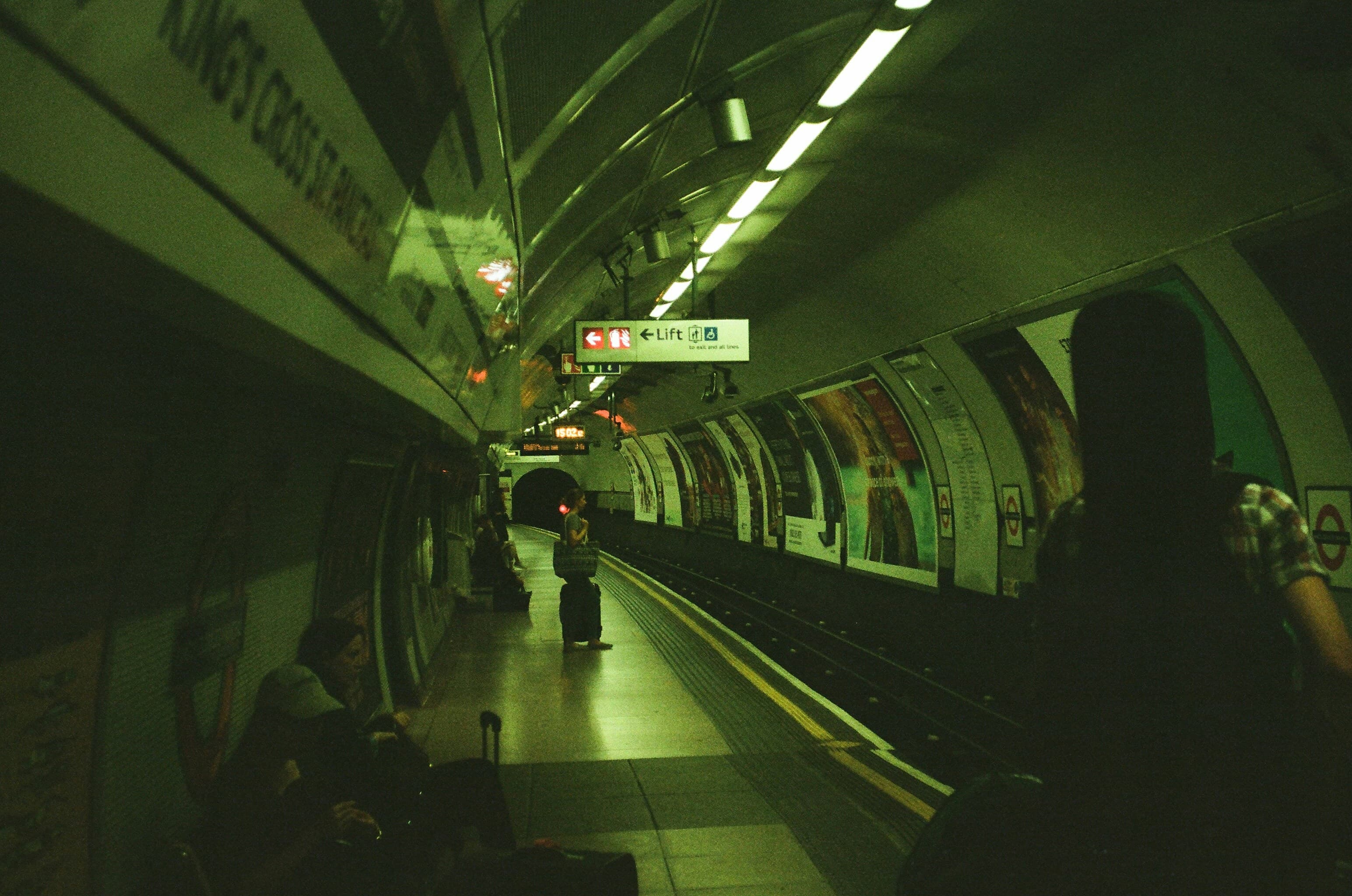


Import a reference photo you love, and Kinolu transfers its color palette to your image — one tap, real-time preview.
How It Works
Three Ways to Create
Whether you're matching colors from a reference, applying film looks, or fine-tuning every detail — Kinolu has you covered.
AI Transfer
Import a reference photo and transfer its color palette to your image in one tap.
- 1Import your photo in the Editor
- 2Add a reference image you want to match
- 3Tap Apply — Kinolu transfers the colors instantly
- 4Fine-tune with the color & tone blending controls
Film Presets
Choose from 12 built-in film emulations — Kodak Portra, Fuji Classic Chrome, Polaroid, and more.
- 1Open any photo or use the Camera with live preview
- 2Browse the preset strip — 5 free, 7 Pro
- 3Tap to apply — see the result instantly
- 4Stack with manual edits for your perfect look
Pro Editor
Full editing suite with curves, HSL, crop, batch processing, and LUT import/export.
- 1Adjust exposure, contrast, highlights, shadows, and more
- 2Use Curves for precise tonal control
- 3Fine-tune individual colors with HSL
- 4Export as .cube LUT for use in other apps
Community
Join the Community
Share your work, get inspired, and discuss with fellow creators.
Start Creating
Color transfer, film presets, pro editing tools — all free to try, right in your browser.